
Introduction
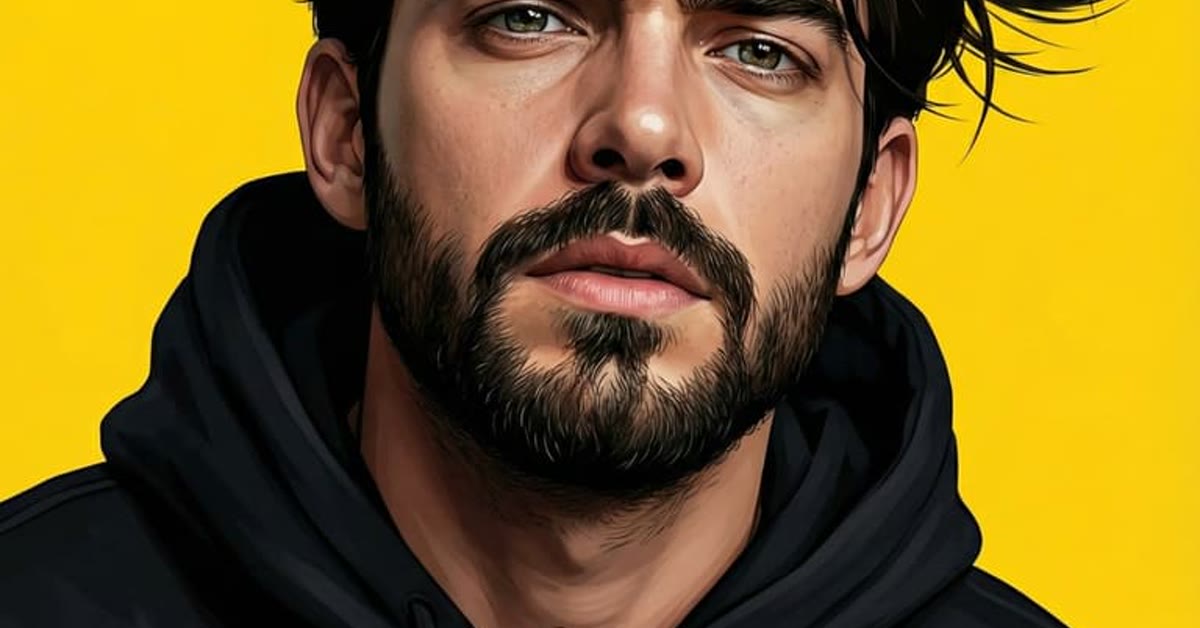
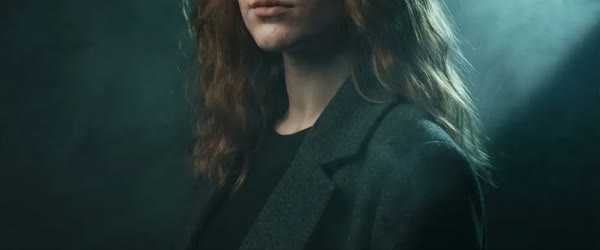
A character intro AI photo editing prompt creates a debut: the subject emerging from shadows into a beam of dramatic light, wearing a distinctive outfit, with a confident stance. It is the portrait equivalent of a hero walking into frame, and it works for creators, gamers, and anyone launching a new persona.
The reveal is everything. The prompt below uses darkness, dust, and bold contrast to stage the entrance, so the portrait feels like the opening shot of a film. A strong character intro sets the tone before the viewer notices any other detail.
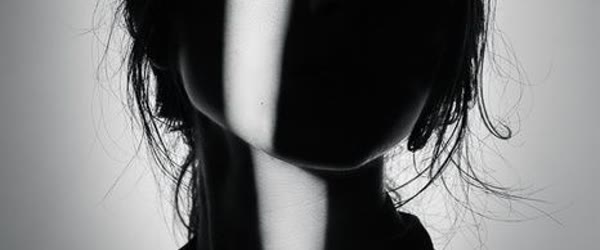
Table of Contents. This character intro ai photo editing prompt works best when the source photo is sharp, bright and well lit.
- How to Use This Character Intro AI Photo Editing Prompt
- Copy-Paste Prompt
- Pro Tips
- More Prompts to Try
- How to Customize This Prompt
- Step-by-Step Guide
- Common Mistakes to Avoid
- Best Tools for This Edit
- Frequently Asked Questions
- Troubleshooting and Quick Fixes
- Sharing Tips for Character Intros
- Advanced Variations to Explore
- Final Words
How to Use This Character Intro AI Photo Editing Prompt
- Choose a photo with a strong stance. A confident, upright pose gives the reveal something heroic to unveil.
- Paste the prompt with your photo. Keep the wording as written for the first result, so the shadows, light beam, and dust balance together.
- Tune the reveal. If the shadows hide too much, ask for a wider beam. If the dust feels heavy, ask for a lighter drift.
Copy-Paste Prompt
Create a cinematic character-intro portrait with the subject emerging from shadows into a beam of dramatic light, wearing a distinctive outfit with a confident stance. Add slow-motion dust, a dark moody backdrop, and bold contrast. Keep the reveal powerful and film-like, with ultra-realistic detail, 4K clarity, and cinematic lighting.
Pro Tips
- Make the outfit distinctive. One signature element, a jacket, a hat, or a colour, is what makes a character memorable.
- Keep the backdrop dark and simple. Darkness is the stage, and the light beam is the spotlight, so both need room.
- Use the portrait as an intro. Pair it with a name or title reveal, and it becomes a complete character launch.
More Prompts to Try
Character intros introduce a persona: the reveal is everything. The six variations below keep the dramatic emergence while changing the character, the world, and the light. You can reuse the same character intro style across a full series of edits.
Detective Intro in the Rain
A noir character intro with a detective emerging from rain and shadow into a streetlamp’s beam, trench coat collar up, city behind. This version suits mystery lovers and moody content. Keep the lighting dramatic when you build a character intro for social media.
Create a cinematic character-intro portrait with a detective emerging from rain and shadow into a streetlamp's beam, wearing a trench coat with collar up and a confident stance. Add slow-motion raindrops, a dark moody backdrop, and bold contrast. Keep the reveal powerful and film-like, with ultra-realistic detail, 4K clarity, and cinematic lighting.
Warrior Queen Intro
A majestic intro with a warrior queen emerging from mist into golden light, ornate armour, a calm and commanding gaze. This version suits epic, empowering content. A clean background helps your character intro look sharp and professional.
Create a cinematic character-intro portrait with a warrior queen emerging from mist into golden light, wearing ornate armour with a confident stance. Add slow-motion dust, a dark moody backdrop, and bold contrast. Keep the reveal powerful and film-like, with ultra-realistic detail, 4K clarity, and cinematic lighting.
Cyber Hacker Intro
A futuristic intro with a hacker emerging from darkness into neon light, hooded jacket, screens glowing behind. This version suits tech content and modern, edgy feeds. Many creators test two or three character intro variations before posting.
Create a cinematic character-intro portrait with a hacker emerging from darkness into neon light, wearing a hooded jacket with a confident stance, screens glowing behind. Add slow-motion dust, a dark moody backdrop, and bold contrast. Keep the reveal powerful and film-like, with ultra-realistic detail, 4K clarity, and cinematic lighting.
Desert Wanderer Intro
A sweeping intro with a wanderer emerging from a sandstorm into clear golden light, wrapped in layered robes, the desert vast behind. This version suits adventure content and epic landscapes. The best character intro usually keeps the face clear and well lit.
Create a cinematic character-intro portrait with a desert wanderer emerging from a sandstorm into clear golden light, wearing layered robes with a confident stance. Add slow-motion sand, a vast desert backdrop, and bold contrast. Keep the reveal powerful and film-like, with ultra-realistic detail, 4K clarity, and cinematic lighting.
Vampire Aristocrat Intro
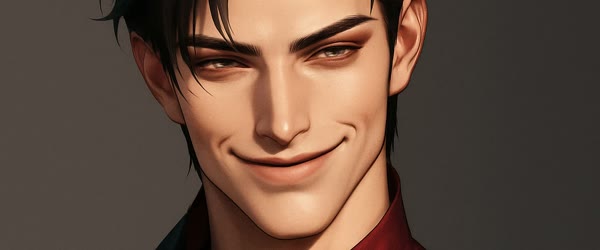
A gothic intro with an aristocrat emerging from candlelit shadow into a single beam of moonlight, elegant dark attire, a knowing smile. This version suits Halloween and gothic content. Add a subtle glow if your character intro feels too flat or dull.
Create a cinematic character-intro portrait with an aristocrat emerging from candlelit shadow into a single beam of moonlight, wearing elegant dark attire with a confident stance. Add slow-motion dust, a dark moody backdrop, and bold contrast. Keep the reveal powerful and film-like, with ultra-realistic detail, 4K clarity, and cinematic lighting.
Street Artist Intro
A vibrant intro with an artist emerging from a graffiti wall’s shadow into colourful spray-paint light, paint-splashed clothes, a creative grin. This version suits artistic, youthful content. A bold character intro works well for gaming and movie style posters.
Create a cinematic character-intro portrait with a street artist emerging from a graffiti wall's shadow into colourful spray-paint light, wearing paint-splashed clothes with a confident stance. Add slow-motion paint dust, a dark moody backdrop, and bold contrast. Keep the reveal powerful and film-like, with ultra-realistic detail, 4K clarity, and cinematic lighting.
How to Customize This Prompt
Character intros customise around the reveal: who emerges, from what darkness, into what light. Get those three right and the intro writes itself. Try a low angle shot to make the character intro feel more powerful.
Start with the character. Detective, warrior, hacker, wanderer, aristocrat, artist — each carries a visual language of clothing, posture, and attitude. Name the character and one signature item: trench coat, armour, hood, robes, elegant attire, paint-splashed clothes. One signature item reads instantly; three compete. Your character intro should match the mood of the full photo set.
Next, choose the darkness. Shadow, rain, mist, sandstorm, candlelit gloom, graffiti shade — the darkness is the “before” that makes the reveal matter. Keep the darkness simple and atmospheric. A complicated darkness distracts from the emergence. A simple character intro often performs better than an overloaded design.
Then set the light beam. A streetlamp, golden light, neon, moonlight, spray-paint glow — the beam is the “after” that reveals the character. One beam, one direction, one colour. The beam should strike the face and the signature item, leaving the rest in shadow. If the whole scene is bright, there is no reveal. Use contrast carefully so the character intro stays readable on small screens.
Finally, guard the stance and expression. Confident, still, and deliberate. The character should look like they own the moment of revelation. Avoid action poses mid-intro; the power of an intro is stillness emerging, not motion. This character intro approach suits both single portraits and group posters.
Step-by-Step Guide
Follow these steps to create a character intro that feels like a film opening.
- Choose the character. Detective, warrior, hacker, wanderer, aristocrat, or artist. One character, one signature item.
- Pick the darkness and the beam. Shadow plus streetlamp, mist plus gold, darkness plus neon. One of each, kept simple.
- Plan the composition. The character starts mostly hidden at the frame’s edge and emerges toward the light. State the emergence in the prompt: “emerging from shadows into a beam of light”.
- Upload to your AI tool. ChatGPT and Gemini both handle dramatic portraits well. Upload the photo, then paste the prompt in the same message.
- Generate the baseline. Run the original prompt unchanged. Check the reveal first: does the character emerge, or is everything visible at once? Then check the light and the outfit.
- Strengthen the reveal. If the image is too evenly lit, ask for “deeper shadows, single beam of light”. The reveal lives in the contrast between dark and light.
- Save the best version. Keep the prompt with the file. Character intros make excellent series: same person, new characters, shared reveal grammar.
Common Mistakes to Avoid
Lighting everything evenly. Flat, even light kills the reveal. The intro needs darkness and a beam. If the image is uniformly bright, the prompt failed, no matter how good the outfit looks.
Overloading the costume. Three signature items plus props plus a busy background become a costume party. One signature item, one beam, one backdrop. Restraint makes the reveal powerful.
Choosing an action pose. Running, jumping, or fighting poses belong in action shots, not intros. Intros are stillness emerging. A confident stance, held, is the most powerful pose there is.
Forgetting the dust or atmosphere. Slow-motion dust, rain, mist, or sand gives the beam something to shine through. Without atmosphere, the beam is invisible. Name the atmosphere in every version.
Making the reveal too fast. In video intros, the emergence must be slow. A fast reveal feels like a jump scare. Slow emergence feels like cinema.
Best Tools for This Edit
ChatGPT handles dramatic portraits reliably and follows reveal and light instructions well. It is the best first choice for character intros, especially for the light-and-shadow grammar.
Gemini renders atmospheric light — beams through dust, rain, and mist — with beautiful realism. Try Gemini if the beam needs more photographic presence.
A photo editor such as Snapseed adds the final cinematic grade. Deepen the shadows, lift the beam slightly, and add a touch of contrast. This finishing pass is what makes the reveal feel like a film still.
Frequently Asked Questions
Can I use myself as the character? Yes, and that is the point. Upload your own photo, name the character, and let the AI build the reveal around your face. Keep the face recognisable and the character in the clothing and light.
Can I make a video intro? Yes. Generate the still portrait first, then animate it in an image-to-video tool with a slow emergence from shadow into light. Keep the movement slow; the reveal is the whole video.
Why does my intro look flat? The light is probably even. Ask for “deep shadows, single dramatic beam” and regenerate. Contrast is the intro; without it, there is no reveal.
Does the character need a costume? Not necessarily. A signature item — a coat, a hat, a hood — plus dramatic light creates a character. Full costumes help, but light and stance do most of the work.
Can I build a series of intros? Wonderfully. Same person, different characters, same reveal grammar: darkness, beam, stance. A series of intros builds a personal cinematic universe that audiences love to follow.
Troubleshooting and Quick Fixes
The image is uniformly bright. Ask for “dark moody backdrop, single beam of dramatic light, deep shadows” and regenerate. Even lighting is the number one intro failure.
The character is fully visible immediately. Ask for “character half-hidden in shadow, emerging into the beam” so the composition stages the reveal. Emergence needs a starting position in darkness.
The outfit looks costumed. Ask for “realistic, high-quality clothing with natural detail” and reduce the number of costume elements. One signature item beats a full costume.
The beam looks painted on. Ask for “beam with visible dust and atmosphere” so the light has something to shine through. Atmosphere makes light believable.
The expression looks blank. Ask for “confident, knowing expression” in a follow-up. Intros need a hint of story in the face; blankness reads as a passport photo, not a character.
Sharing Tips for Character Intros
Character intros launch personas, so share them like premieres. Post the intro with a short character line — a name, a role, a single sentence of story — and let the audience imagine the rest. Use the same reveal grammar across a series so followers recognise your intros instantly. Post in the evening, when cinematic content resonates most. A character intro shared with a story hook invites comments and theories, which is exactly the engagement a new persona needs to come alive. A darker backdrop can make a bright character intro stand out instantly.
Advanced Variations to Explore
Once the core intro works, explore deeper characters. Try a librarian emerging from towering shelves into a single reading-lamp beam, glasses glinting, a book held like a secret. Try a chef emerging from kitchen steam into warm light, apron dusted with flour, a knowing smile. Try a musician emerging from stage darkness into a single spotlight, instrument in hand, the audience a sea of shadow. Each variation keeps the same grammar — darkness, beam, stance — and changes only the character, which is how a personal cinematic universe grows one premiere at a time.
Final Words
Shadows, one beam of light, and a confident stance are all a character intro needs. Step into the light and introduce yourself. Save your favourite character intro settings so you can repeat them later.
Use the portrait to launch a new persona, channel, or character, pairing it with a name reveal for a complete debut. If the outfit feels generic, add one signature detail, such as a specific jacket or colour, and regenerate until the character feels distinct. The portrait also works as a poster or banner, with the dark space above the subject left empty for a title. Introduce the character with a short story in the caption, because a debut lands harder with context.